Sealed
What you approve is what goes out.
Preview the exact invitation each household will receive. Sealing locks that version, so nothing changes between your approval and their inbox.
How it works
What you do and what your guests see, from the first invitation to the album.
Each step shows an illustrative product screen. Every event, name and number in them is synthetic demo data.
01 Create
Name it, set the date and the reply-by, and choose how the invitation looks. A wedding, a gala or a private dinner starts the same way.
New event
Inés & Tomás
02 Guests
Bring in your list by household. Each household gets one private link, so the people who live together answer together.
Inés & TomásDraftGathering
Households 52 households · one link each
Send invitationsSent to 5203 Send
Send each household its private link the way you already reach them: text, WhatsApp or email. One record per household shows what you sent and who has answered.
Inés & TomásDraftGathering
Households 52 households · one link each
Send invitationsSent to 5204 Invite
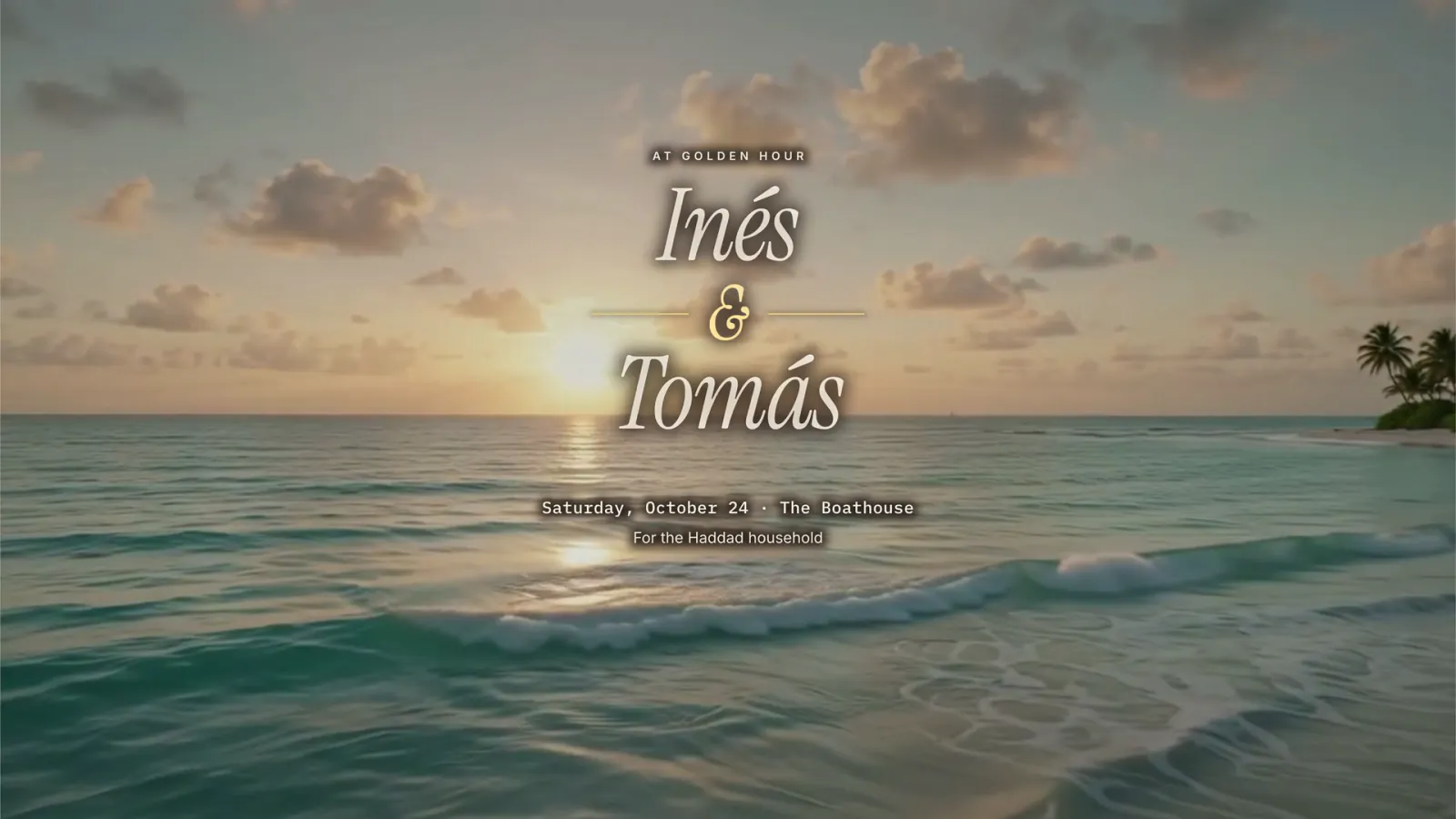
Their link opens on a short film made for your event, with their household’s name on it. No app, no account, nothing to download.
05 Reply
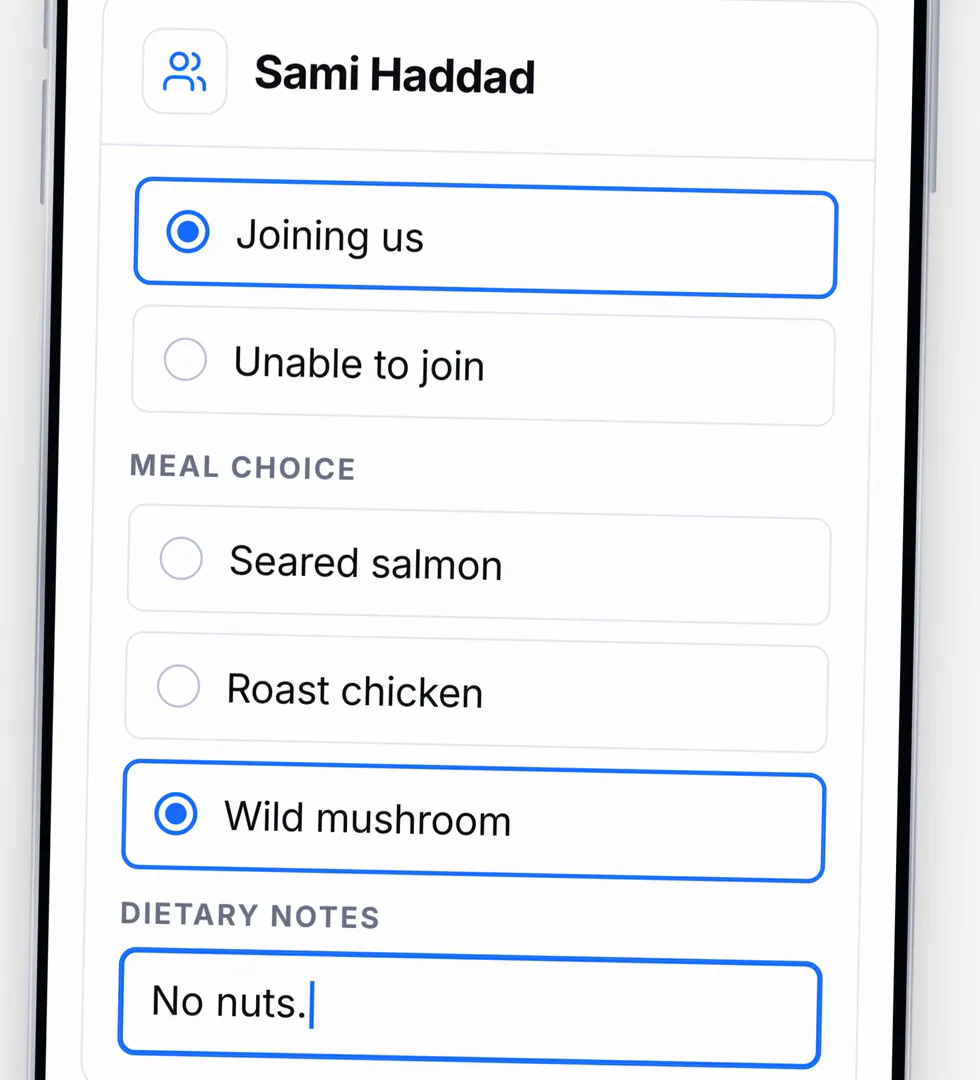
One screen for the whole household: who is coming, meal choices and dietary notes. Replying takes about a minute.
06 Readout
Every reply is in your readout the next time you open it. Attendance and meals add up on their own, and the households that have not answered are named, so you ask four people once, not everyone twice.
Inés & TomásGathering
Meal totals the caterer’s sheet
Households 52 households · one link each
Remind only the 13 still to reply
07 Arrive
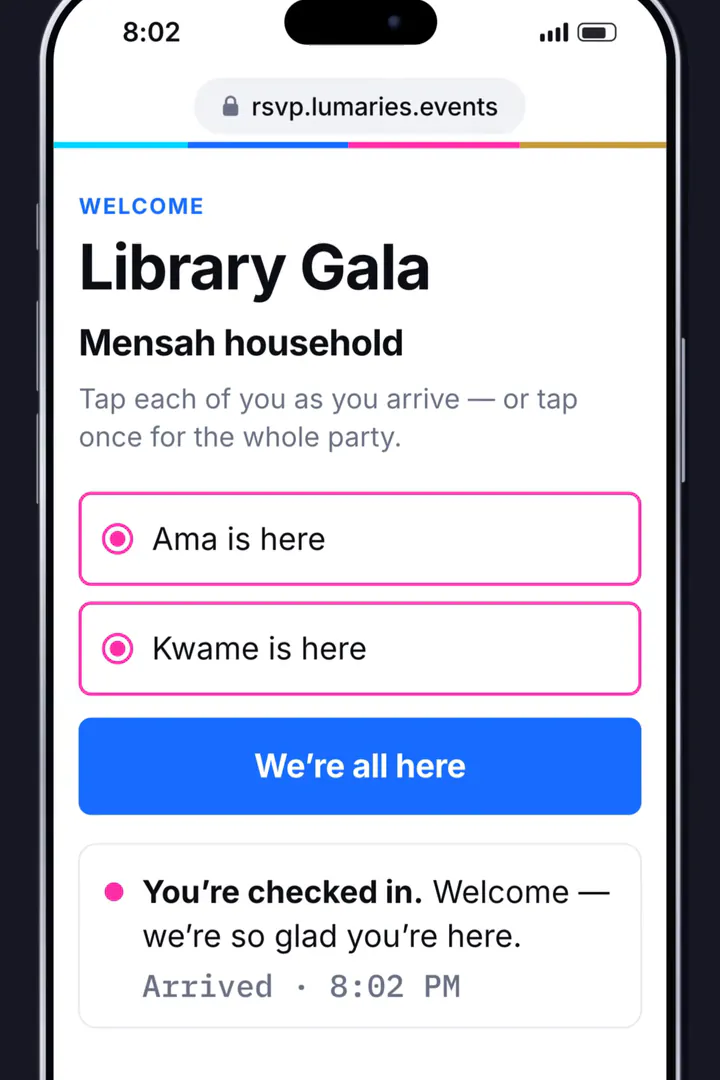
At the door, guests are welcomed by name. They tap once for the whole party, or one by one as they arrive.
08 Door
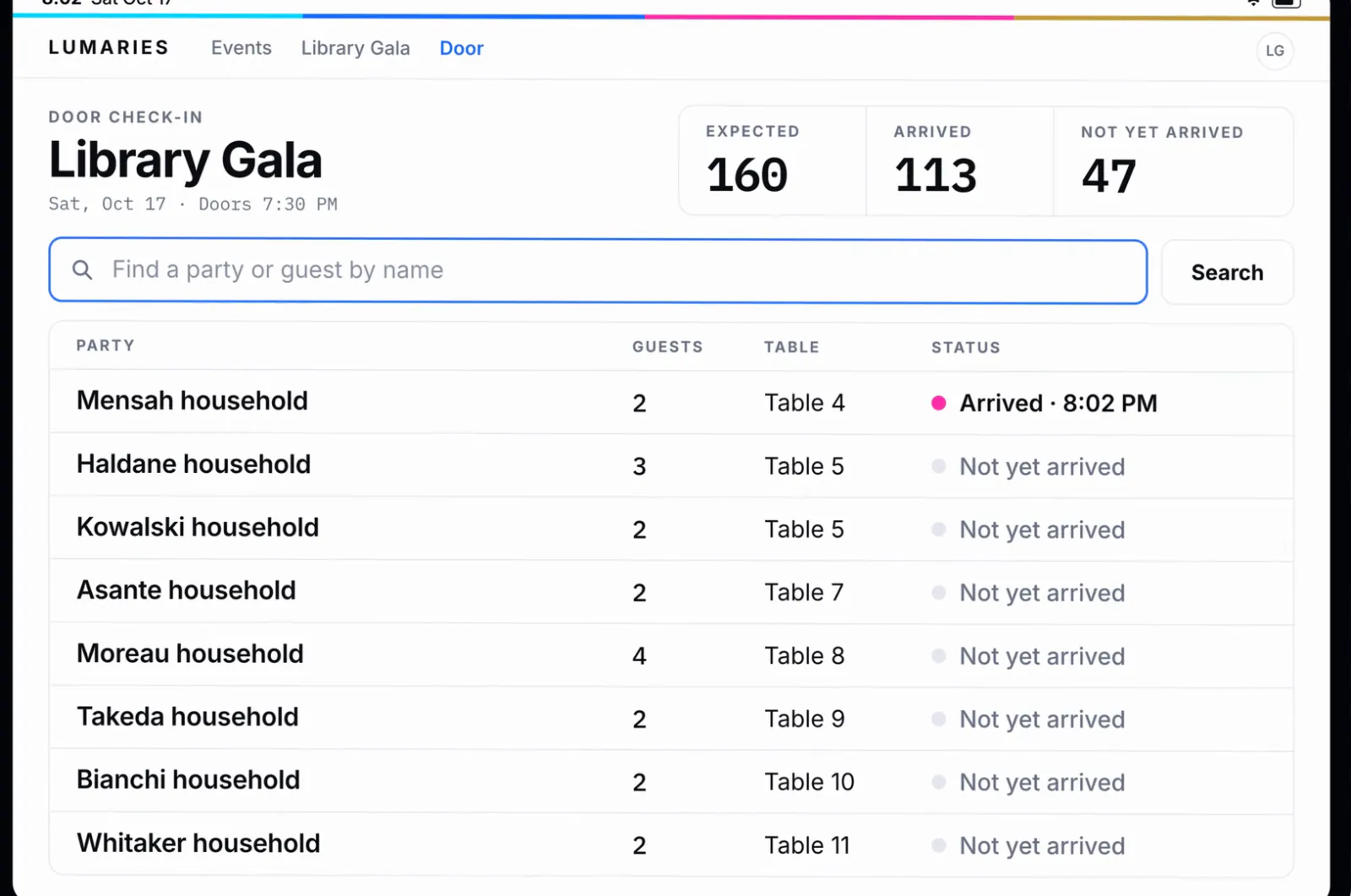
The door view counts arrivals as they happen, with each party’s table, so you know who is here without a clipboard.
09 Photos
During the event, guests add photos from their own phones to your album. There is nothing to install.
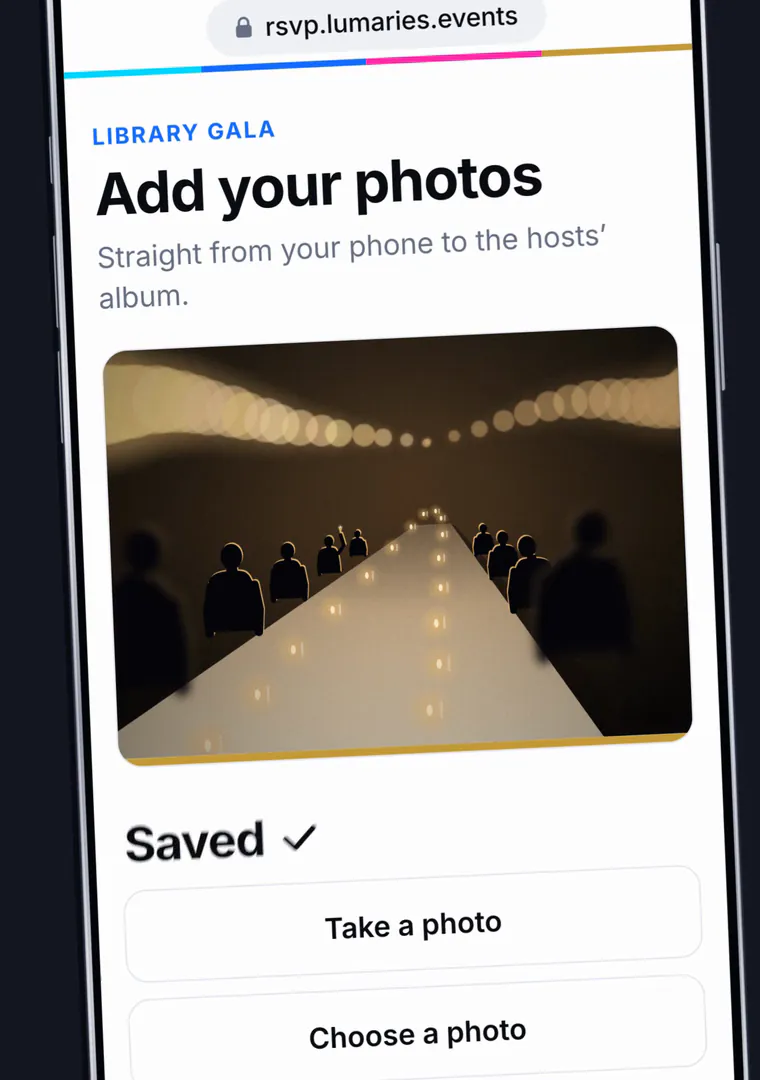
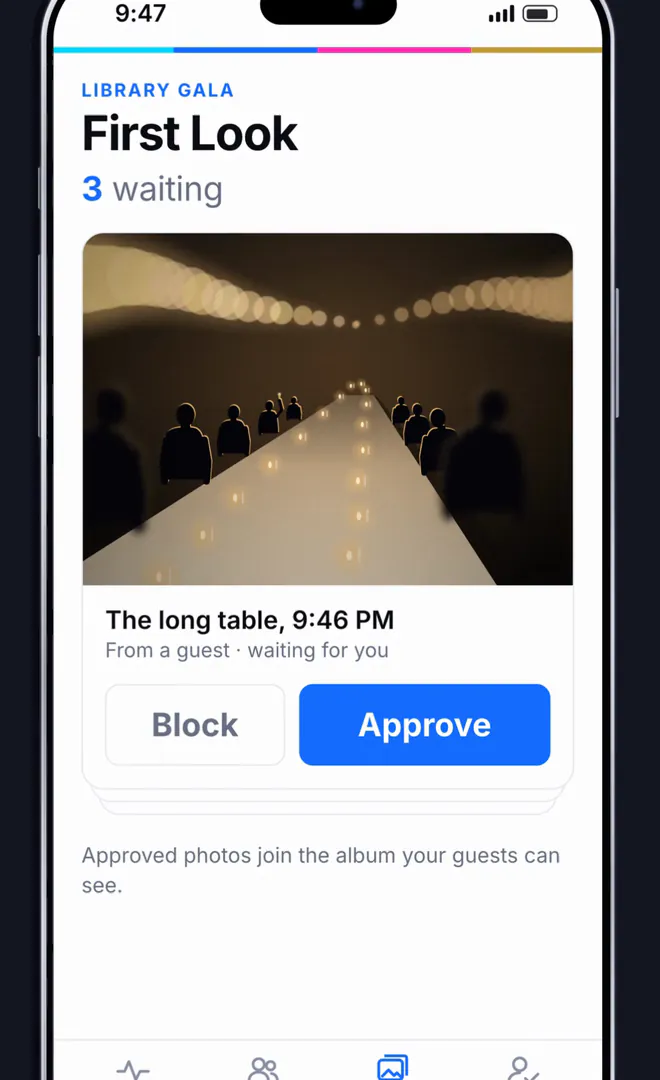
10 Album
You decide what the room sees. Approved photos join the live wall and the album your guests keep.
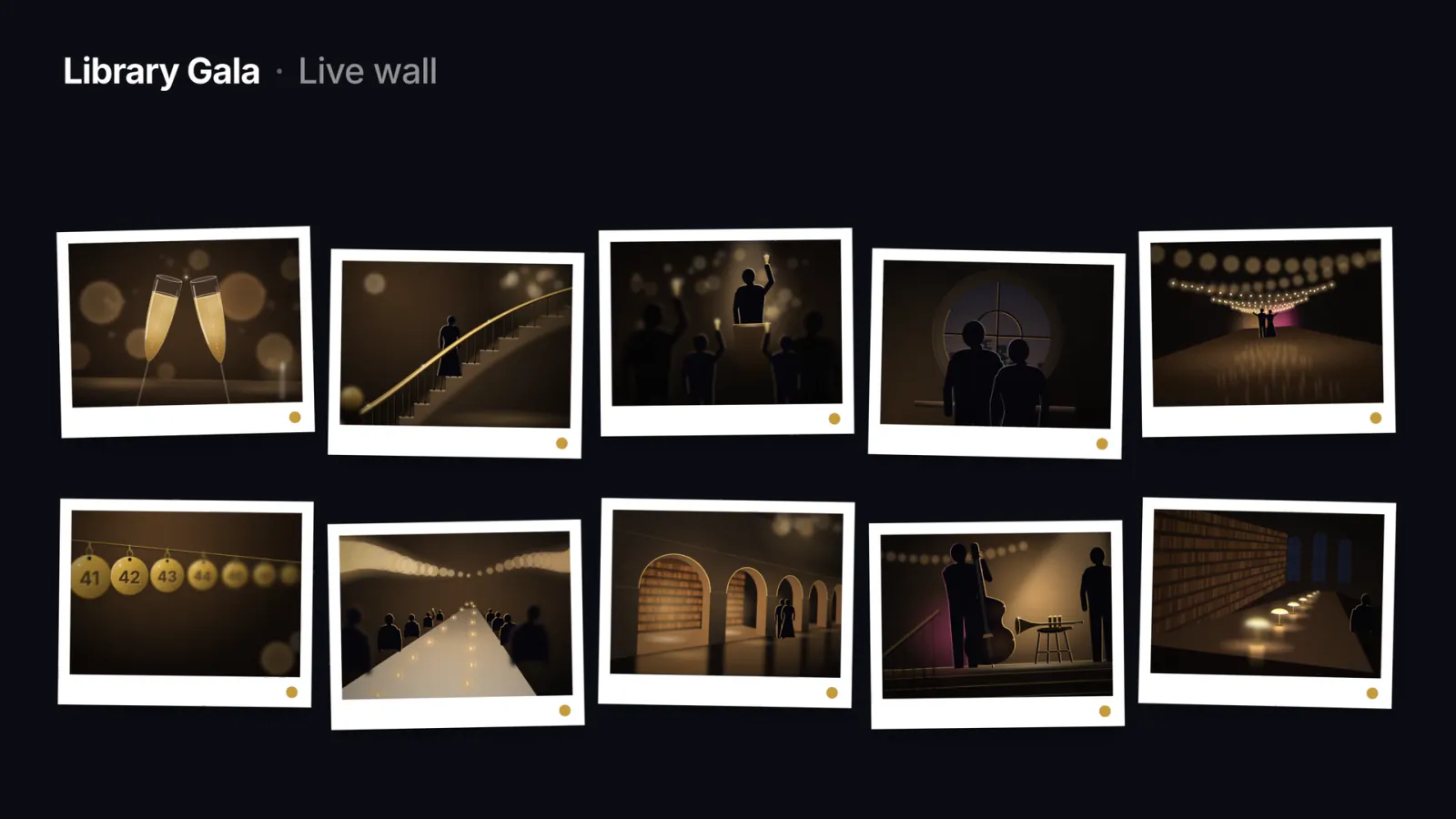
Invitations, replies, the door and the album run as one calm system, so the evening belongs to you and your guests.
Weddings · Galas · Dinners · Retreats · Launches
The film
A host sends personal invitations by text, WhatsApp or email. Guests open a cinematic invitation, reply for their household and choose their meals. The host sees confirmed places and reminds only the guests who have not replied.
A single view brings together a wedding, two birthdays, a team offsite and a gala. At the door, the team finds each party and records arrivals. The host reviews guest photos before they appear on the room’s live wall, bringing the gathering together in a shared album.
The film closes with “Every event, from invitation to album.” Events, names and numbers in this showcase are illustrative.
Behind each step
Sealed
Preview the exact invitation each household will receive. Sealing locks that version, so nothing changes between your approval and their inbox.
Replies
Guests can come back to the same link any time before the reply-by date. The newest answer is the one that counts.
The door
When someone arrives who never replied, the door still welcomes them, then adds them to the count.
Every event
Every event keeps its own guest list, its own invitations, its own readout — and you see them all from one desk.
5 events · 744 invited · 280 replies in
| Event | Date | Replies | Status |
|---|---|---|---|
| Meridian GalaGala | Sat 14 Nov | 172 of 180 | Readout ready |
| Northbank LaunchLaunch | Thu 3 Dec | — of 412 | Delivering |
| Whitfield WeddingWedding | Jun ’27 | 96 of 140 | Gathering |
| Founders’ DinnerDinner | Fri 24 Oct | 12 of 12 | Closed |
| Calder RetreatRetreat | Mar ’27 | — | Draft |
A demonstration workspace — synthetic events, synthetic guests.
Built for
Built for weddings first. The platform underneath runs any event with a named guest list.
One private link per household. One number you can trust.